A client portal sounds like a slam dunk. One neat place where clients access and manage everything, no more going through email threads or bouncing between five tools and apps. So you build one, fire off the link… and then almost nobody signs in. A month later, everyone is emailing you again like the portal was never there.
The trick is building the thing around whether clients will actually use it. So that is what we will do here. We will show you 8 ways to build a Notion client portal people genuinely open, and the mistakes that kill it.
Why Most Client Portals Go Unused: 5 Key Reasons
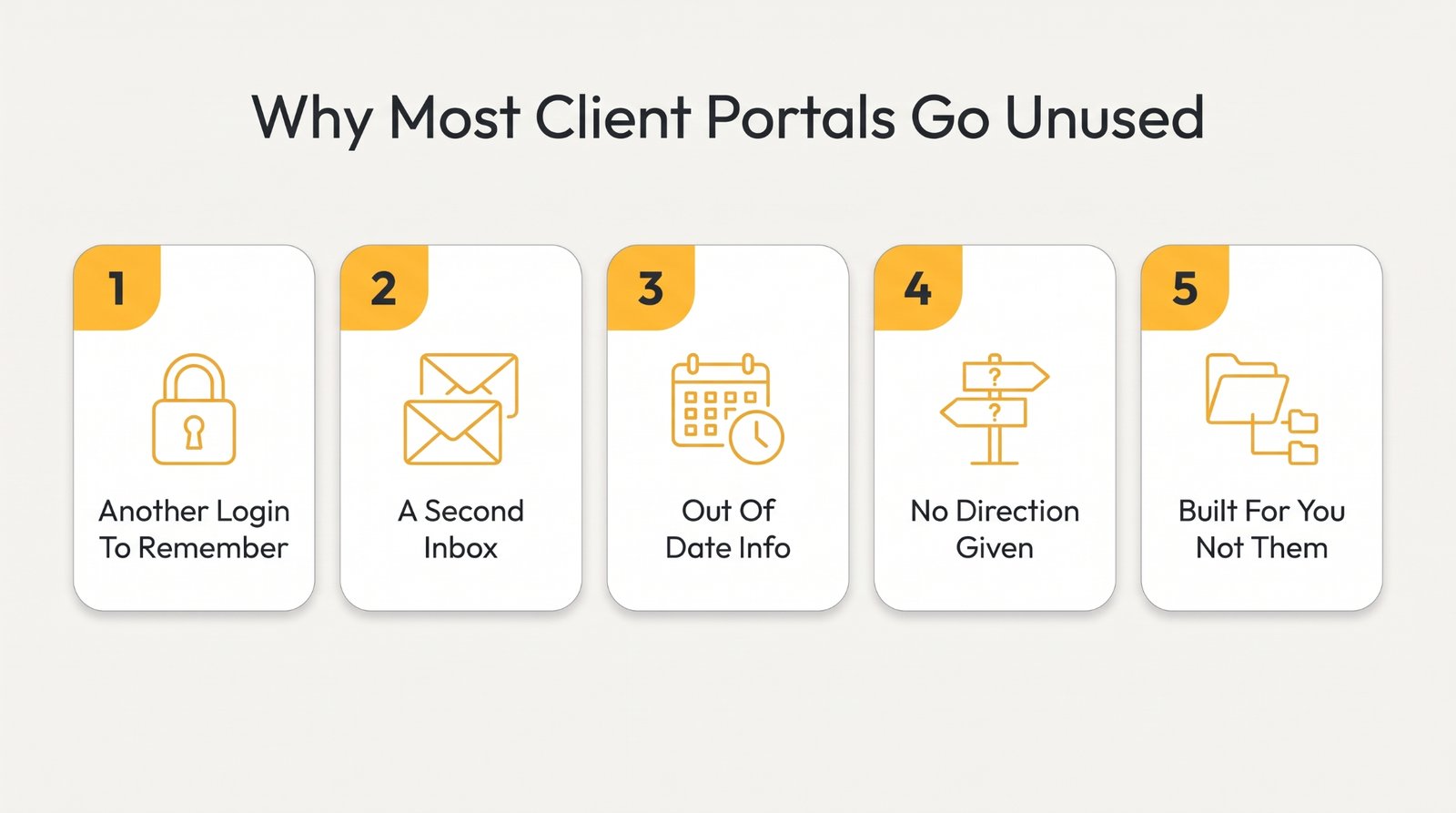
Clients are not anti-portal. Honestly, 86% of people try to sort things out themselves before contacting support. So a secure client portal is an easy yes. These five things are what ruin it anyway.
1. It Is One More Login Nobody Wants to Remember
The fastest way to lose a client is to make them look for a password. Email already works fine, and now you are asking them to find a login, reset it, then sign in just to read a two-line update. Every extra hoop is a reason to skip the portal and email you instead. It has to be more user-friendly and convenient than the inbox, or the inbox wins.
2. It Turned Into a Second Inbox
Then comes the notification pile-up. The portal pings them and their email pings them, so the same messages appear in two spots and neither one looks real. Clients check both, trust neither, then slide back to the channel they know. Repeating the communication and messaging is worse than skipping the portal, because it makes more work.
3. Half the Stuff Inside Goes Out of Date
Nothing destroys a portal faster than old information. A client sees a status from back in October or a document that got replaced twice, and labels the whole system as do-not-trust. Catch it lying once, and they stop believing any of the data. A portal that can’t keep them informed or let them track anything basically trains clients to ignore it.
4. Clients Got a Link and Zero Direction
Many portals get handed over with a cheerful “it is all in here.” The client opens it and has no clue where to start. Nobody is going to navigate a tool they never asked for. Most people close the tab and never bother again if that first screen doesn’t make the next move obvious.
5. It Is Built the Way You Think, Not How They Work
You lay the portal out around your workflow and internal folders, because that is how your team's brain works. The client couldn’t care less how you file things. They came for one invoice, and your logic makes them dig for it or retype things into manual data entry. A portal built for your convenience, not theirs, becomes another task.
Portal Clients Ignore | Portal Clients Open |
Yet another password to reset | One login, saved, easy access |
Information weeks out of date | Status updated the same day |
A link with no instructions | A clear first step up top |
Organized by your internal folders | Organized around the client's world |
8 Strategies to Build a Secure Client Portal on Notion Clients Will Actually Use
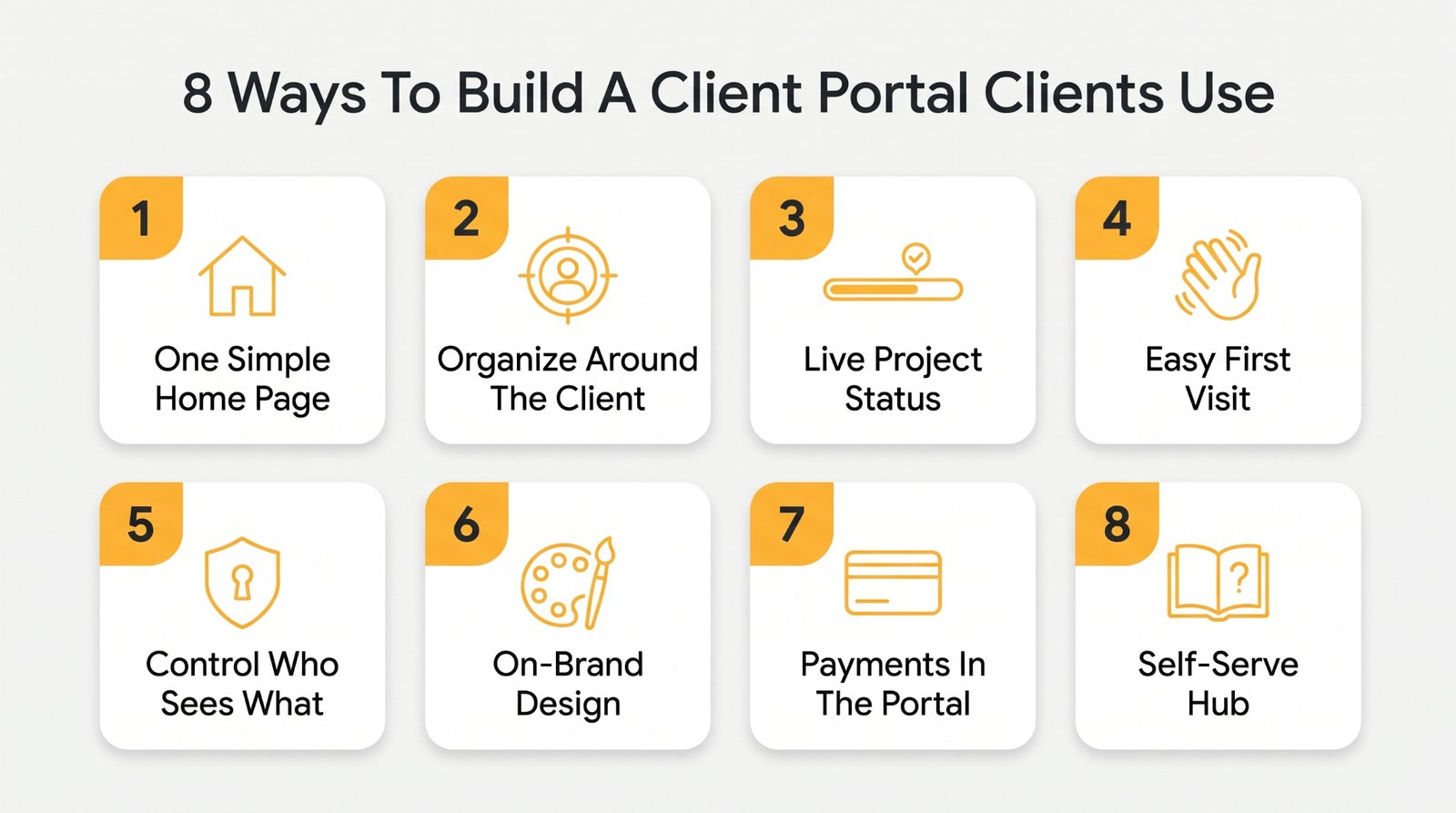
Alright, let's build one they actually open. These eight work in the same direction, each killing a different reason portals get ignored.
1. Give Every Client One Simple Home Page
Your portal depends entirely on the very first screen. A client who opens it to 20 links and 3 databases is already reaching for email. To them, the home page is the whole product. So it has exactly one job: answer where am I and what do I do now, in a single glance.
It also needs to work for every single person who opens it, a client on a screen reader or a cranky old device included. Building for accessibility is really just more clarity for everyone. A clean and personalized home page beats a flashy one every time.
- Put the client's name and their active project right at the very top
- Link only the three things they actually open most often, nothing else
- Add one short line telling each client exactly where to start first
- Keep every internal database and admin view completely off this client page
2. Organize Around the Client's World, Not Your Folders
This one is about whose brain the portal is built for. You know your business as a set of folders, project phases, and internal stages. Your client does not. They just want to walk in and instantly find the one thing they came for. So the whole thing has to be arranged around their world.
That gap hurts most in work where the relationship keeps going long after the job wraps up. Think trades and home services. The install is day one, but the client's real needs – the warranty, the maintenance reminders, the how-do-I-rebook – stretch out over years and usually end up across old emails nobody can find.
This water heater installation service is a sharp illustration. For a brand-new buyer, it is genuinely good. It walks through the install and lists repairs, and notes that fresh units carry 10 years or longer of coverage. But a repeat client cannot pull their own unit's model or warranty terms.
A client portal changes that. It holds this client's heater and warranty to download, plus a one-tap rebook and the maintenance schedule, all in one spot. Organize around the client's world, and the portal becomes the first place they look, which is client retention in a nutshell.
- Group portal pages by the client's outcome, not your internal project phases
- Name every page the way a client would actually search for it
- Store each client's documents and current invoices in one single, findable place
- Remove any page that exists only for your own team's internal reference
3. Lead With Live Project Status
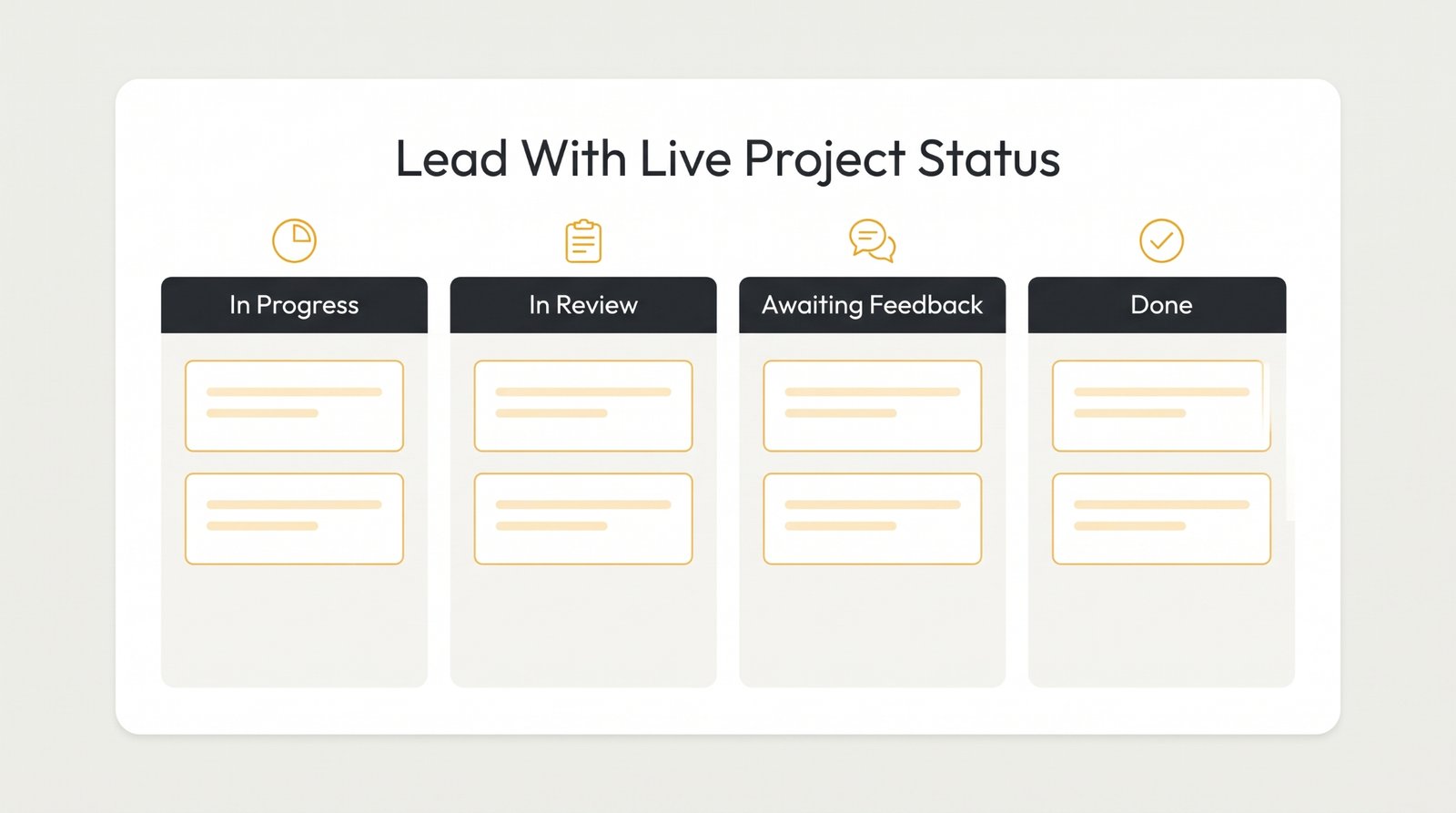
The thing constantly running through a client's head is simple: where are things at? Delivering that answer before they even ask earns the portal its daily open. Status is the most-used feature in almost any portal, because it heads off the anxious any-update-yet message before it is typed. Get that right, and clients check the portal instead of asking you.
It counts for even more in work that runs on appointments. A therapy or counseling practice whose clients can see their next appointment and real-time availability saves everyone the phone tag, and finally gives them the visibility they came for.
- Show one clear status label, like in review or awaiting your feedback
- Update that status the very same day anything on it actually changes
- Use a simple board or timeline view, never a long text log
- Put the current project stage above the fold on every single page
4. Make the First Five Minutes Obvious
Adoption gets decided on the very first visit. A client who feels lost on day one never comes back, and they will absolutely never read a help doc. The portal has to be intuitive enough to explain itself in the few seconds someone looks at it. Get it right, and they just trust the rest.
- Add a short welcome note that names their very first action clearly
- Number the early steps so the path through the portal seems obvious
- Record a quick 60-second walkthrough video and pin it right up top
- Remove anything a brand-new client doesn’t actually need to see yet
5. Lock Down Who Sees What
The second you put real client work online, one fear overshadows everything else: can client A see client B's stuff? Notion on its own won’t give you that control. And a single wrong share link is a trust disaster you can’t take back.
If your work involves sensitive or regulated data, like a private practice handling health records, access control isn't optional. You will need to check your own industry compliance requirements (such as HIPAA) to make sure your entire setup meets legal standards before putting client records online.
Notion has no built-in password protection, so Super fills the gap. You can lock each client's page behind its own password or give returning clients a real login with memberships. Secure client portals provide that assurance, so everyone only ever reaches their own space.
- Give each client their own password-protected page, never a single shared link
- Double-check that every single share link reaches only that client's space
- Keep your internal notes on a separate page clients can never open
- Review who still has access every time a project or team changes
6. Make It Look Like Your Brand, Not a Raw Notion Page
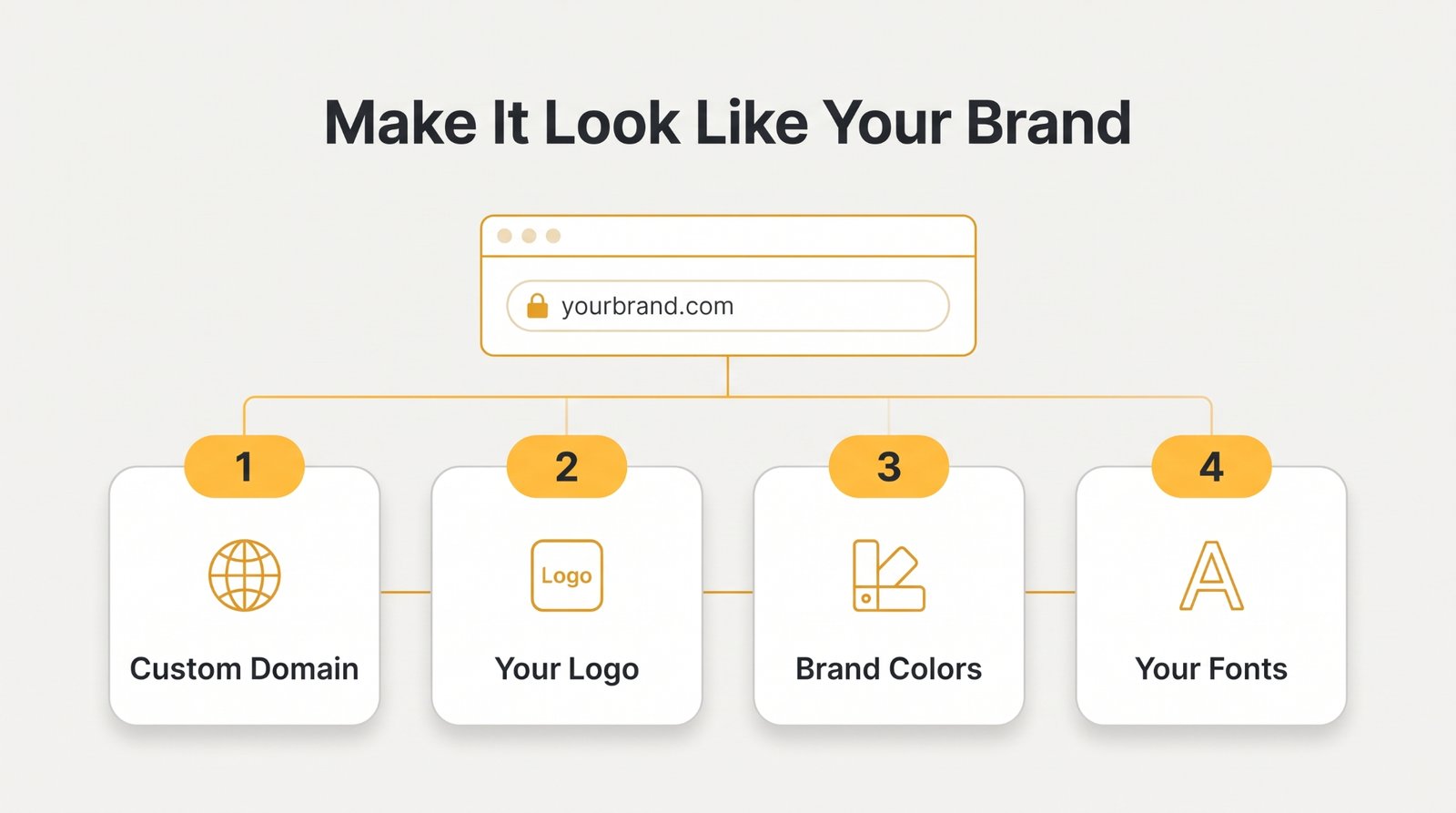
A portal that looks like a raw Notion page basically makes it look hastily built. The generic layout and the notion.site in the URL weaken trust before a client reads a word. A branded portal on your own domain does the opposite, reading like a real platform. Super handles that side for Notion: your own domain and brand, no code.
- Connect a real custom domain so the whole portal lives on your URL
- Match every portal color and font to your real brand style guide
- Add your own logo and a real favicon so it feels official
- Replace any default Notion styling that instantly screams an unfinished internal document
There is a flip side worth naming, though. Notion suits flexible and fast-moving teams, but if a client is locked into SharePoint, a tool like ShortPoint AI designer lets you describe the page you want in plain words, and then builds a structured, on-brand SharePoint page in minutes, pulling your colors and fonts. You can start from templates and customize any block by clicking it.
7. Put Invoices and Payments Where the Work Lives
Payment is the step where portals lose people. If a client has to leave the portal to pay, a large number just won’t. Give them the ability to pay right there in the flow, and you get paid faster, with billing no longer a weekly chase.
It gets genuinely awkward once your clients are across multiple countries. One pays in a different currency, another is searching for how to get a crypto debit card so they can spend their stablecoins without converting them first. Now a simple invoice becomes a week of back-and-forth and conversion fees.
Giving clients more flexible ways to pay makes the whole process easier for everyone. And the bigger point ties straight back to the portal. However your clients pay, the invoice and the receipt should be in the one place they already check, so getting paid never falls out of the portal into a lost email thread.
- Show every open invoice and its due date on one clear page
- Link each invoice straight to a checkout they can finish in seconds
- Set up automated reminders a few days before anything is actually due
- Mark paid invoices clearly so nobody ever pays the same one twice
8. Turn Repeat Questions Into a Self-Serve Hub
You answer the same five questions for every single client. A self-serve hub answers them once and for all. The payoff is real, too. Companies that add self-service see up to a 70% drop in the calls and emails clients fire off. Clients get instant answers; you get your afternoons back.
A good hub also shuts down the routine back-and-forth that clogs your inbox - every resend request and scheduling question that wears down a busy practice. Because it runs on Notion, you update an answer once, and it is live everywhere. Fewer conversations, more room to grow.
- Write a short FAQ answering the five questions you repeat most often
- Add short how-to guides for the tasks clients always get stuck on
- Let clients book or reschedule their own appointments without emailing you first
- Link the key resources from the home page, never hidden pages deep
3 Client Portal Mistakes That Kill Adoption + How to Fix Them
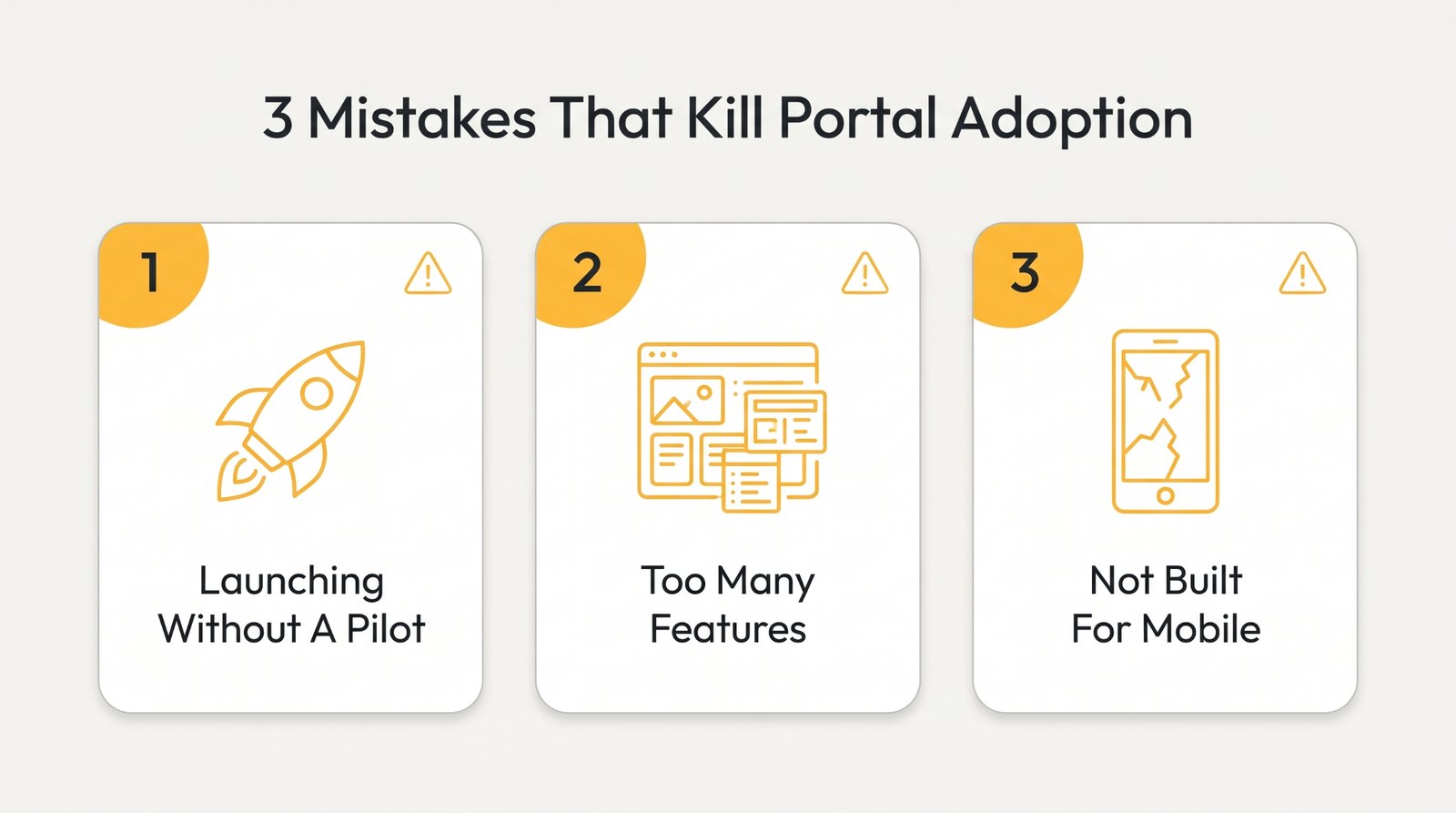
Even a well-built portal can get torpedoed by a few classic mistakes. These are the build-and-launch issues that make all that work count for less, and all three are easy to avoid once you have seen them coming.
1. Building the Whole Thing Before One Client Tries It
It is so tempting to design the perfect portal in a cave with every feature and every edge case, then big-reveal it to all your clients at once. The problem is, you have been assuming what they want for weeks, and launch day is when you find out you guessed wrong. Now you are rebuilding it live, while adoption drops on first impressions.
How to Fix: Pilot it with 3-5 clients before anyone else gets near it. Pick one repeatable client journey, onboard those few in person, and watch exactly where they get confused. Only once that first group is genuinely using the system do you roll it out wider, with the rough edges already sanded down.
2. Cramming In Features Nobody Asked For
More features seem like more value. It is almost always the reverse. Every extra tab and dashboard is one more thing to scroll past on the way to the one thing they came for. And clients don't need more to figure out when 38% of workers already struggle to keep up with technological changes at work.
A bloated portal is not impressive; it is just confusing. And confused clients leave. Funny enough, the busiest-looking portals get used the least.
How to Fix: Start with the essentials and leave it there. A clear status and the files clients need cover most of it, plus simple messaging and a way to pay. Add something new only when a real client asks twice. Keep the portal boring and obvious, because the goal is clients using it, not showing off every tool.
3. Forgetting Clients Access It on a Phone
Clients are not checking your portal from a desk. They open it on a phone, in a queue, between two meetings. And 64% of all web traffic now comes from mobile. If your portal is a pinch-to-zoom headache on a small screen, they bounce straight back to the one app that always behaves on mobile – their email.
How to Fix: Open every page on an actual phone before you ever share the link. Keep layouts to a single column and make the tap targets big. Remove anything that needs a wide screen to make sense, so the portal is effortless on the device clients already carry everywhere.
Conclusion
A client portal only works if it is genuinely easier than email. That is the entire test. Every call here, from the one-screen home to the self-serve hub, is really about making the portal the path of least resistance. Build it around your clients' habits, and they will actually use the thing.
The fastest route there is to build it in Notion and let Super handle the website side, from the custom domain and password protection to the branded design that makes clients trust it at first sight. You keep editing in Notion, and it stays live and professional with zero code.
When you are ready to turn your Notion pages into a portal clients open on purpose, see how it works with Super's client portal builder.