
Turn your Notion pages into a membership site
Members sign in with a magic link sent to their email. You manage who gets in from a Notion database, and you keep writing in Notion like you do today. Build the site yourself, or in a few prompts with our new MCP server.
No credit card required. See how it works ↓
See what your members see
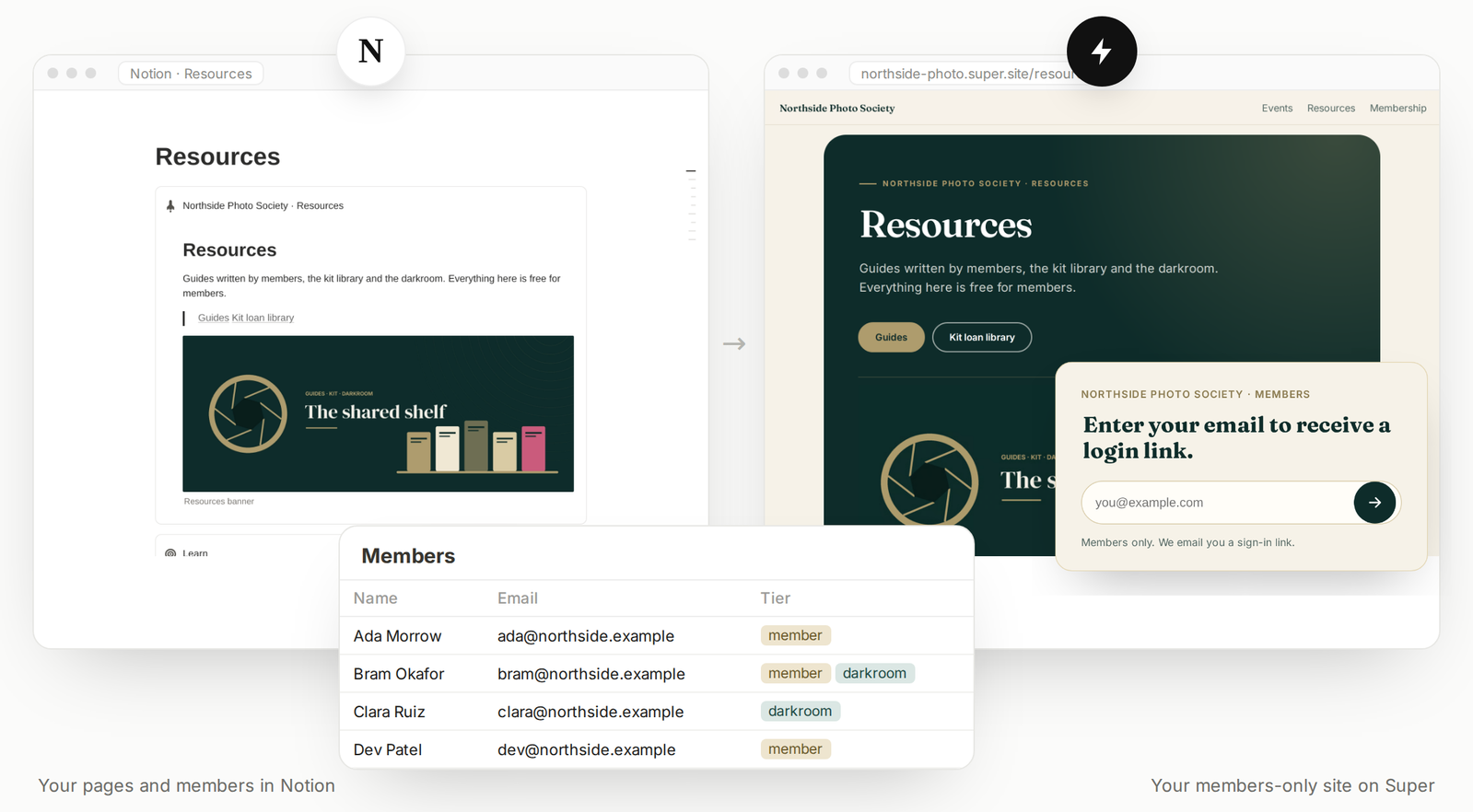
The same pages in Notion and on your site. A member enters their email, opens the magic link and lands on the pages their tier allows.
These companies built their sites with Super (and thousands of others too…)



Notion manages your members. Super controls access.
No member accounts or passwords to look after. Everything stays in the tools you already use.
Members live in Notion
One row per member: an email and a tier. Add or remove a row and their access on your site follows.
Magic-link sign-in
Members type their email and get a sign-in link. Nothing to remember, nothing to reset.
Pages by tier
Choose which pages are members-only and which tiers can open each one. The rest of the site stays public.
What could your Notion content become?
The pages you already keep in Notion, behind a login for the people you choose.
A members-only resource library
Your guides, templates and insights in one place your audience comes back to.
Courses and cohorts
Give each course or cohort its own tier, so every group sees its own lessons.
Team and company access
Let everyone with a work email from one company in with a single row like *@company.com.
From Notion pages to members-only access
Step 1
Publish your Notion pages
Paste the link of your Notion page into Super and your site is live. Edits in Notion sync by themselves.
Step 2
Shape the site, with or without AI
Pick a template and style it in the Dashboard, or connect your AI assistant to our MCP server and describe what you want.
Step 3
Connect your members and choose pages
In the site settings, connect your Notion members database and pick the tiers that can open each page.
Start from something that already works
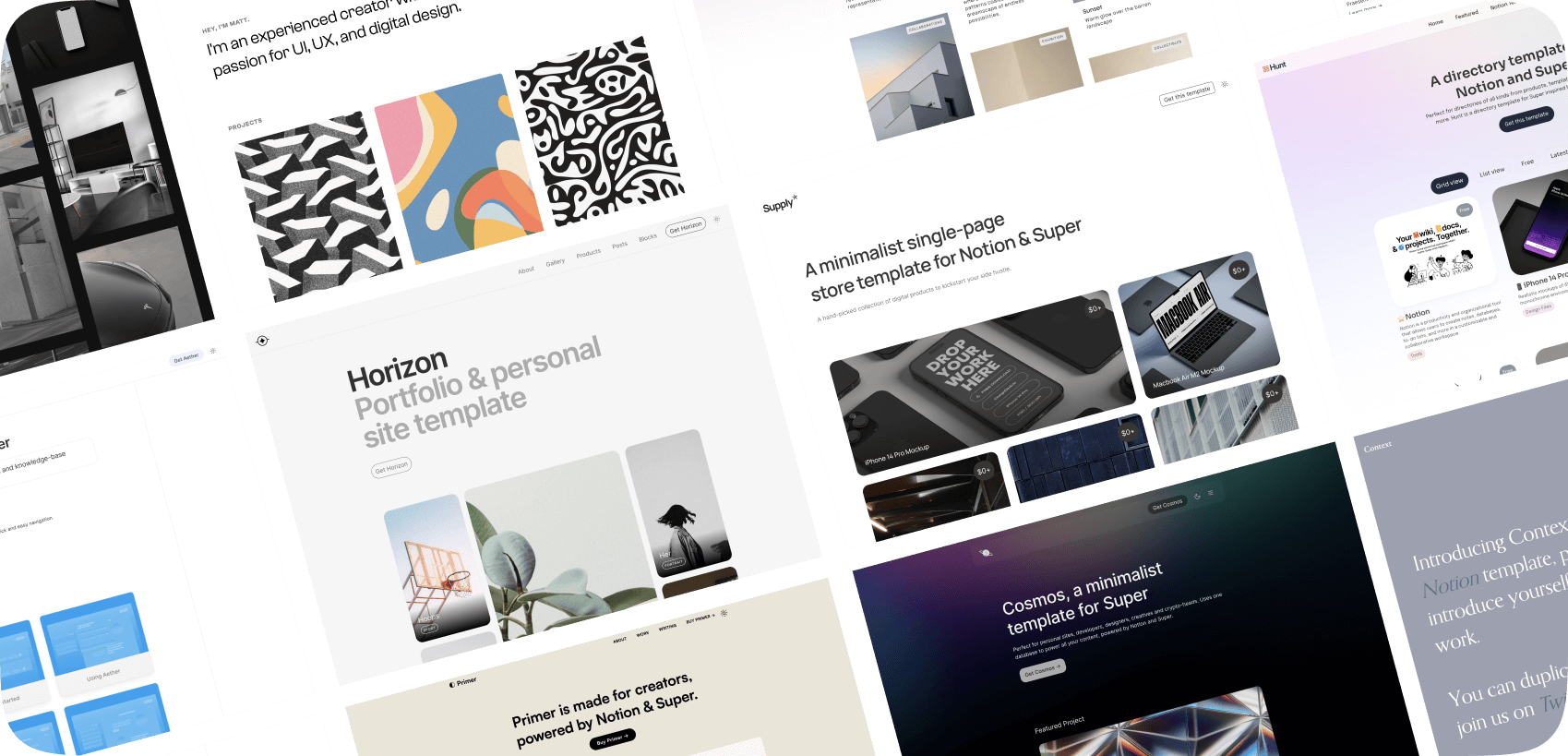
Use a ready-made template as it is, or as a starting point for your AI assistant. Take what already works, then shape it to your taste and purpose.
“Pick the template that fits my purpose: a members-only library for my guides and courses. Then adapt it to my brand.”
Customer support by people, not bots
Ample guides, documentation, and knowledge base, an active community on socials and discord and support available 24/5.

“World class service, guides and code explainers for no-coders.”
– Kristian
“I love Super! Customer support truly cares about you. I can’t recommend it enough!”
– Lore
“Stellar customer support!”
– Constance
“With the speed that the customer support team responded, I felt like they were a bot!”
– Puneet
“Awesome and timely customer service.”
– Mike
“The team is super reactive and helpful, and that alone makes a big difference!”
– Mike
Questions before you start
Anything else? Ask us in the chat bubble in the lower right of the Super Dashboard. Real people answer.
How do members sign in?
Where do I manage my members?
Can different members see different pages?
Do I have to use AI to build the site?
Is Membership included in my account?
Can I keep editing in Notion?
You’ve already created the content. Take the next step.
Turn your Notion knowledge into a website for your members.
